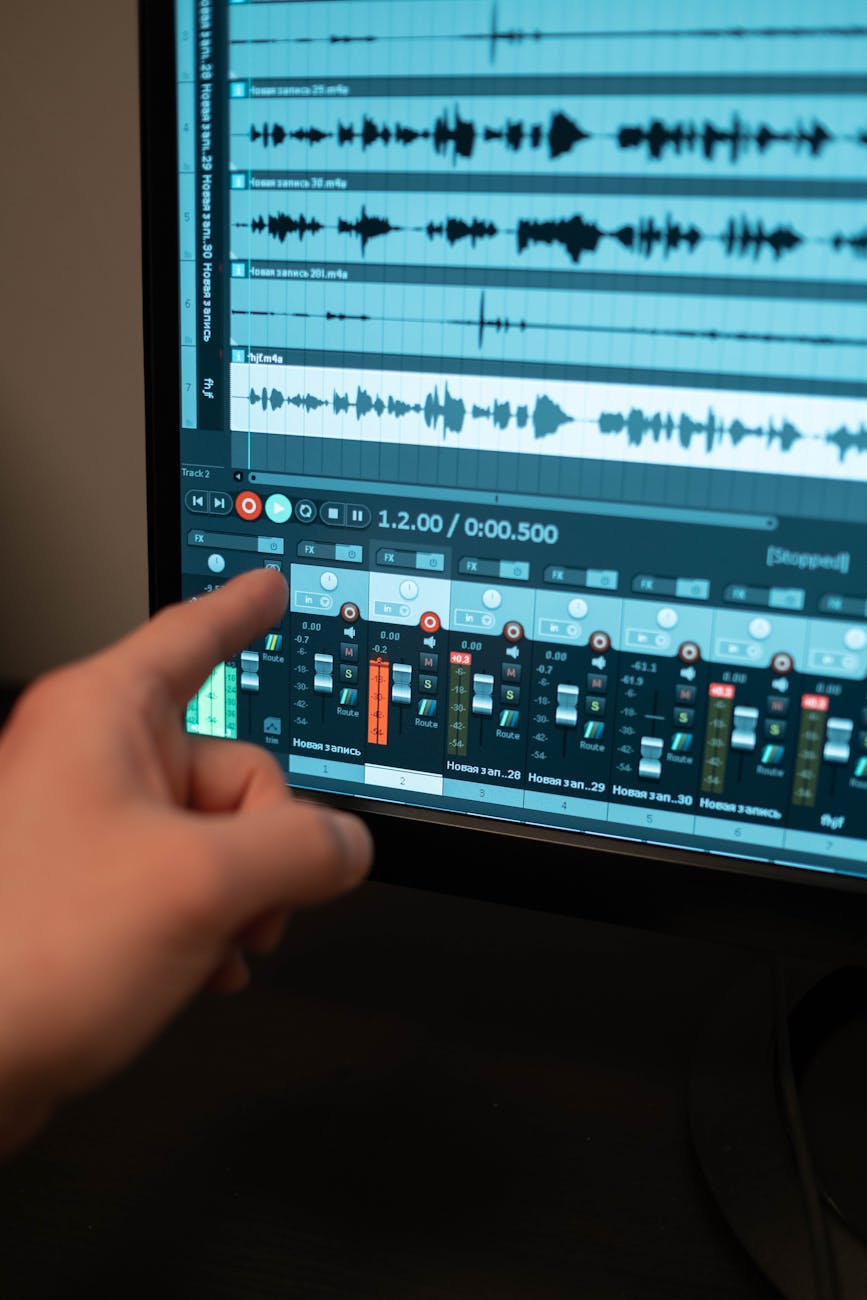
Reaper Tutorials – Exporting STEMs Links to an external site.
I found myself the other day trying to help a friend with an audio project. Rather than write several paragraphs I went to YouTube and typed in a phrase to pull a tutorial that they could follow along with in real-time. I thought this would be a good example to analyze for this post (however with an asterisk that this is a specific case usage, more on this in a moment.) The target audience would be someone with more knowledge than a beginner, but less knowledge than an intermediate user who might be mixing audio with some regularity. This is a demonstrative lesson recorded with screencapturing software, with a very simple learning objective. The user at the end will be able to use the “Export” function to export “Stems” from the project.
A quick aside for some technical jargon – a “Stem” in the audio world is a single audio track made from several other tracks. If I have 6 different guitar tracks recorded with different microphones and amplifiers but I like how they all sound, I can blend them all together into a single track to send to another producer. This is very helpful to reduce memory and bandwidth if you’re working on a project with lots of instrumentation.
While this demonstrative lesson is very “What you see is what you get” I do notice that there was some color coding to the different example tracks which helps draw the eye to the examples and tips the presenter is explaining. I did find my attention drifting about 3/4ths of the way into the video as there were specific usages that while important, could have benefited from a static visual to make me pay attention to the scenario. This is an informal lesson, illustrated by the presenter telling the audience to pour themselves a glass of whiskey while the software runs the process in the background. Not at all focused towards “Industry Professionals” but more amateurs who are looking to start home recording.
REAPER Mania – Creating Stems in REAPER Links to an external site.
I wanted to compare and contrast two different accounts on the same topic. I feel like my Dream Job would be making all different types of content based on software programs, and I think it’s important to identify that a How-To video can have different “vibes” even if the learning objective and audience are more-or-less identical.
This content creator is new to me as well and this is the only content I’ve seen of theirs so far. Again, the Learning Objective is the same – users will be able to export STEMs within the Reaper software and the audience is similar, however I’ve noticed this second video is going through more of the technical options. They’re not explaining the “why” of you might choose this option, though. One thing I’ve noticed is that the second video has more advanced screen-recording software that zooms in and follows the cursor automatically. I found myself paying a little more attention as it’s changing the visuals even in subtle ways. The tone is slightly more formal than the first video but still in the informal education side. My one hangup, which is not anything against the content of the video or even the creator, is that his narration cadence is very stop-and-start. The closest comparison I can think of is Christopher Walken, make of that what you will. I got used to it but it pulled my attention away from the content for a good minute when first watching. While there was not a mix of multimedia I felt like the static shots of the menu window helped focus attention and coupled with the “follow-the-cursor” production style, I was able to pay attention while they went through the litany of menu options.
While both videos were well made I think the second option from REAPER Media would be sent out to someone who had the time to watch it. The first video is fine, but I feel like if someone was in a real time crunch and that extra 6 minutes might be allocated elsewhere, watching the first video would get the job done quicker but not necessarily have the user know “why” some of the options were being selected. I think my career’s future is in technical “How-to” videos and I try to subscribe to the “Show, don’t tell” production philosophy, it’s made me think that maybe a static 45 second shot of the full-screen software window might not be the best choice when explaining a technical term, and I might have to do something to keep a user’s attention. I also need to be aware of the tone I’m using. I think being on the formal, more corporate side makes it easier to know the particular lane I’m staying in but I wouldn’t want to use a tone that’s too formal and ends up alienating some of my audience. I’ve gotten some real world feedback that sometimes I’m TOO formal in the corporate environment and difficult to “connect” when running an Instructor Led Training. I know there has to be a balance between the two, I just need to try and find it.
 Harrison Hartley
Leave a comment